Multiplayer learning in the browser

A little world where your class or team learns together.

Walk around, meet people, explore learning stations, build, draw, play quiz shows and hide and seek, and fly between islands. It runs on the laptops, Chromebooks and iPads you already have: no headsets, no installs.

Or wander around first: school island · team island

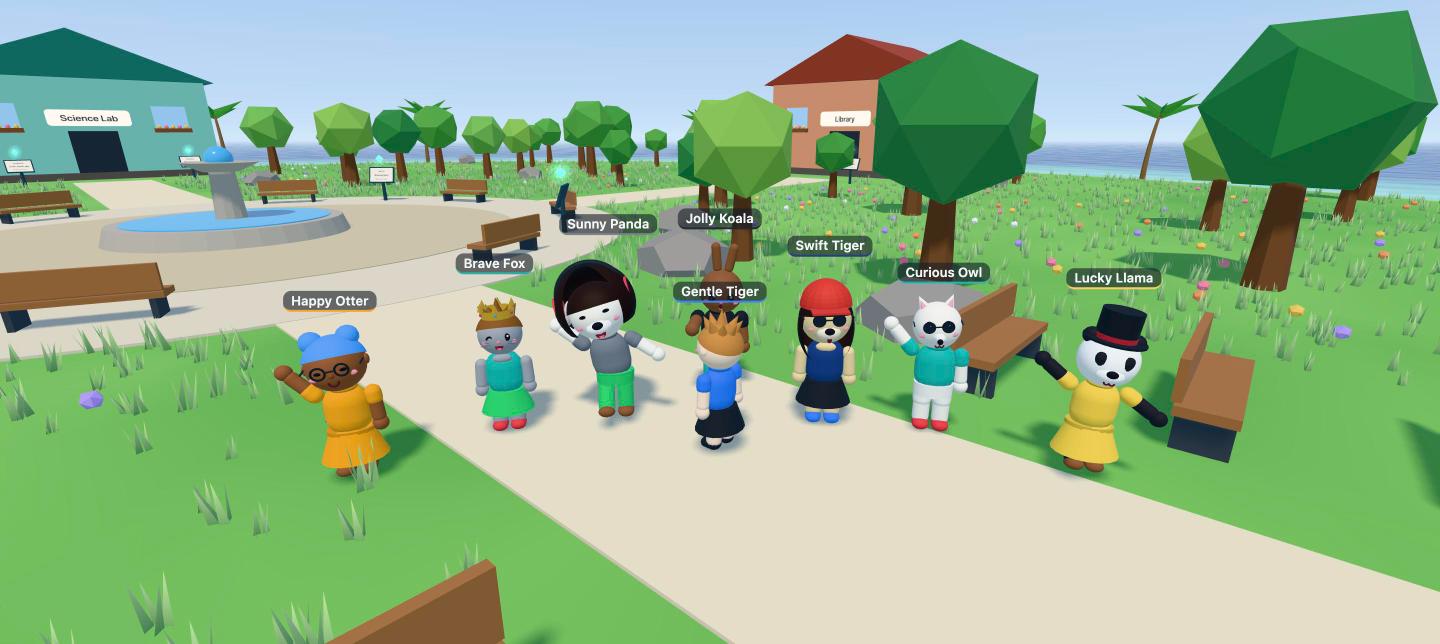
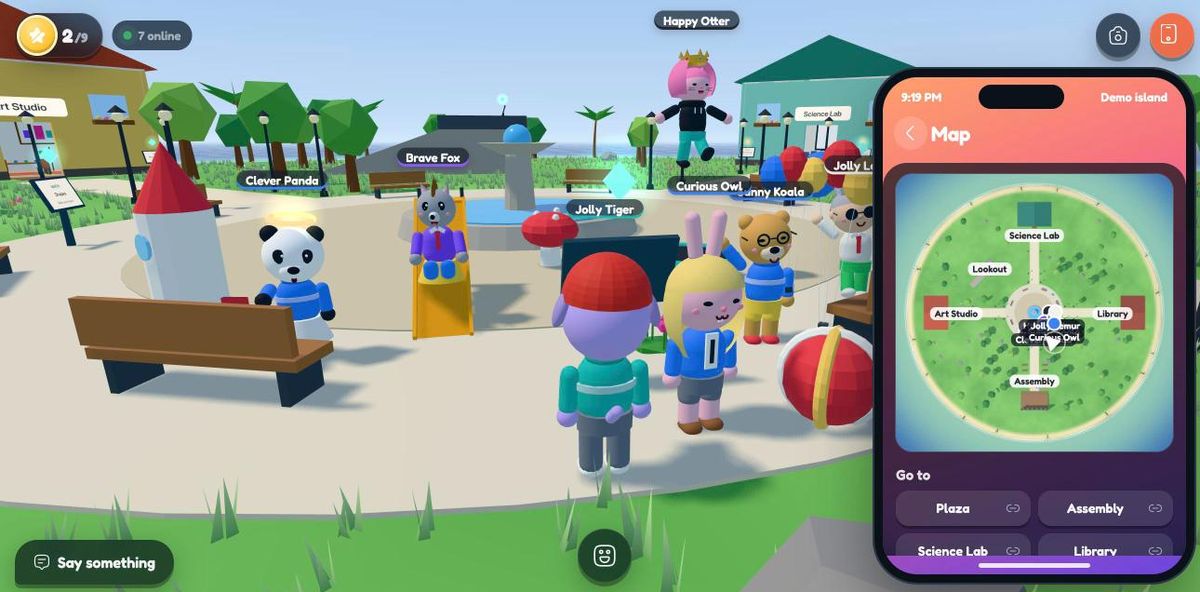
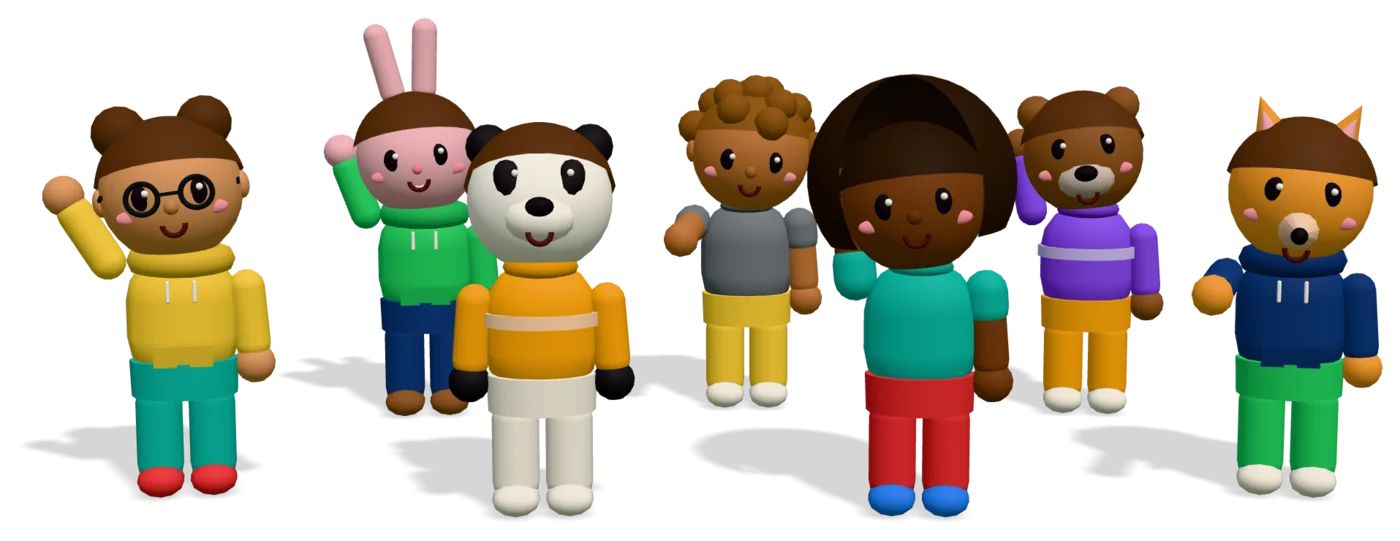
Cartoon people and animals waving together on a little island
Click a character

Pick your path

Teachers bring their class onto a safe island to learn by exploring.

Every station is a short lesson with one question, and every right answer is a star.

  • Ready-made lessons in science, reading, math and art, or write your own
  • Quiz shows and hide and seek the whole class runs around for
  • Field trips: fly the whole class to another island
  • Build, draw on whiteboards and run photo hunts together
  • Progress for every student, ready to export
  • Students join with a code: no accounts, no emails
Start a class space
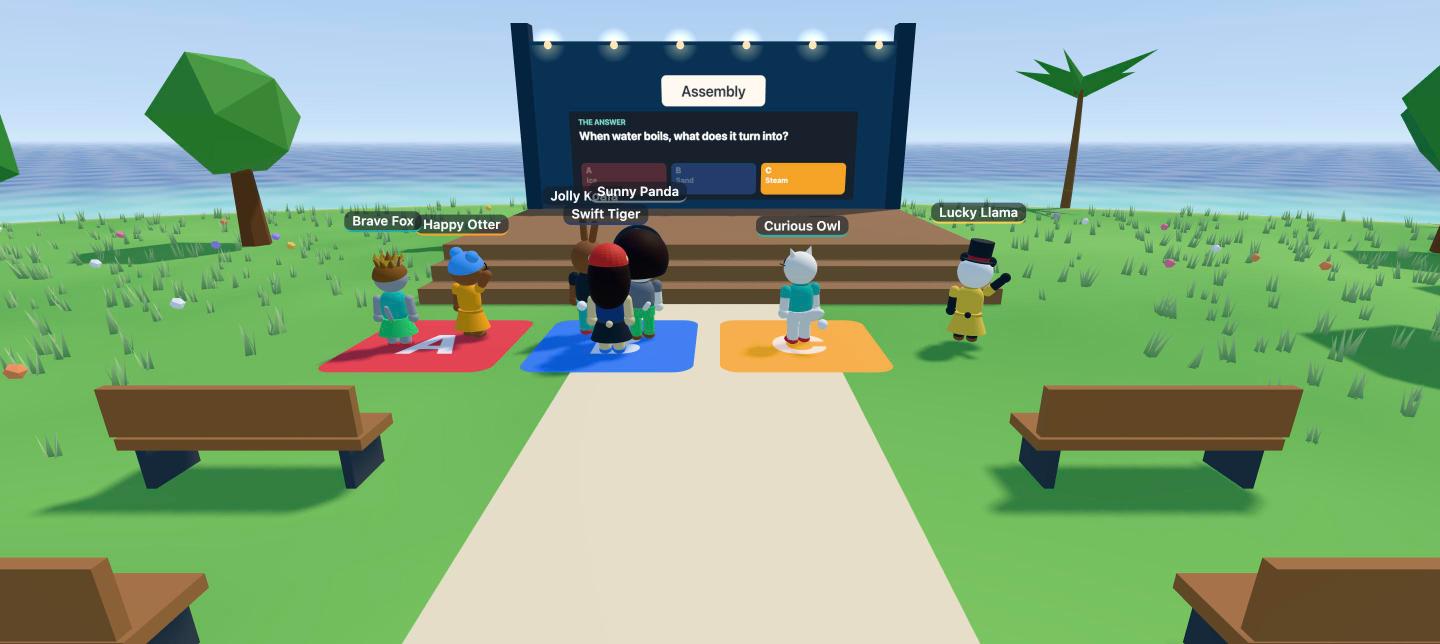
A class answering a quiz by standing on coloured pads
Quiz time in Class 4B

Up and running in three stops

  1. 1Create a spaceSign up with your email or Google and you get your own island with starter lessons.
  2. 2Share the linkStudents or new hires open it and pick a character. That's it.
  3. 3Learn togetherExplore stations, run a quiz, and watch progress come in.

There's a lot to do on the island

All of this works today, in the browser, in every space.

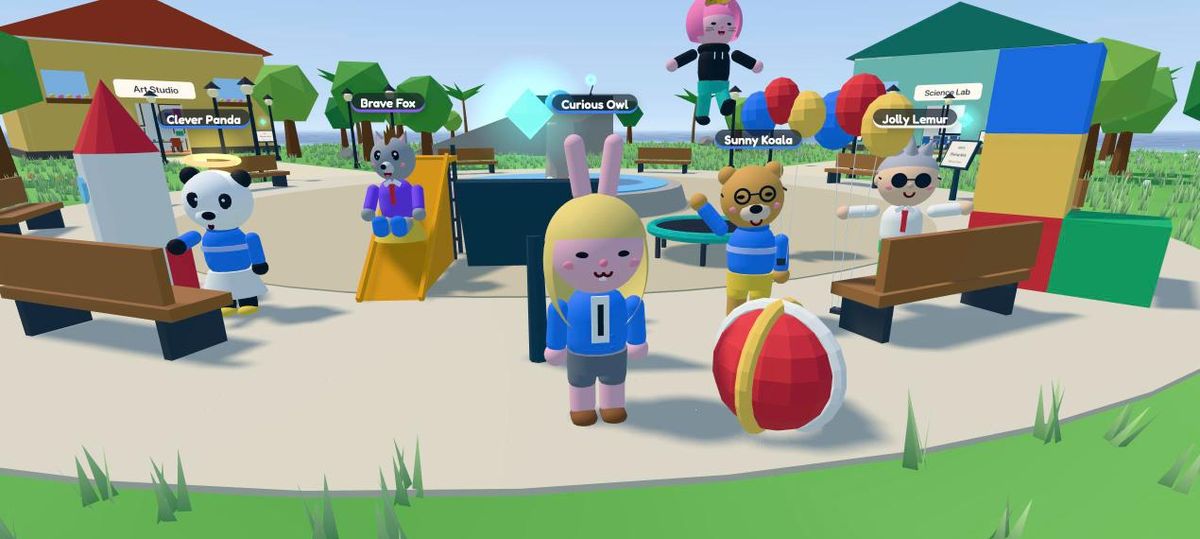
Characters on the plaza with a slide, a trampoline, balloons, a rocket and a tower of blocks they built

Build anything, together

Forty-six things to place, stack and paint: furniture, trees, slides, tents, trampolines, rockets, building blocks and, for Halloween, jack-o'-lanterns, ghosts and a bubbling cauldron. Everyone sees it as it goes up.

School and Team
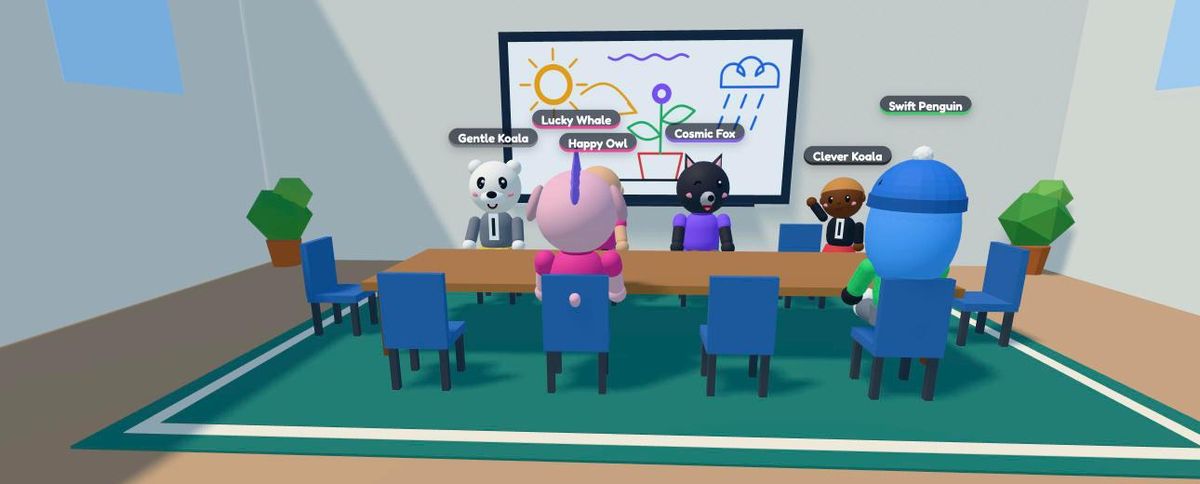
A class at the meeting-room table in front of a whiteboard with a drawing of the sun, a plant and rain

Whiteboards

Draw full screen with pens and an eraser on the board in the meeting room, or on any whiteboard or easel you build. Drawings stay for next time.

School and Team
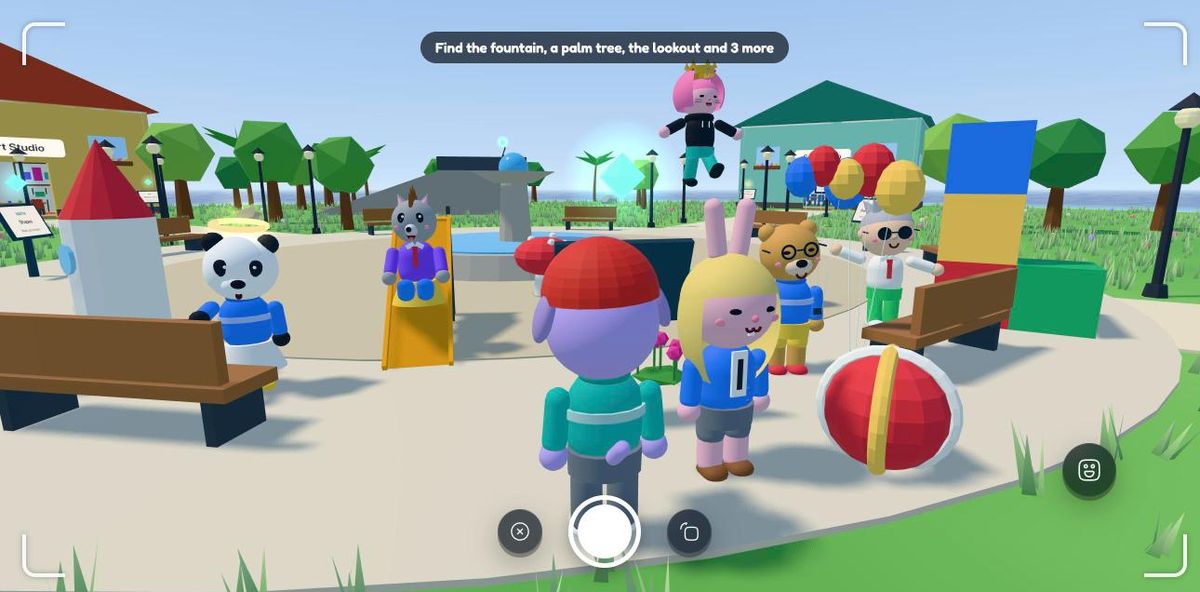
The phone camera's viewfinder with a photo hunt list: find the fountain, a palm tree and the lookout

Photo scavenger hunts

"Photograph the fountain, a palm tree and a friend." The camera checks every picture; the teacher picks what to find and sees who found it.

School and Team
A player's phone open on the Map app, with the island seen from above and everyone on it

A phone in your pocket

Map, camera, photo album, travel, lessons, invites and settings, and a wardrobe where every outfit shows on your own character. Photos stay on your own device.

School and Team
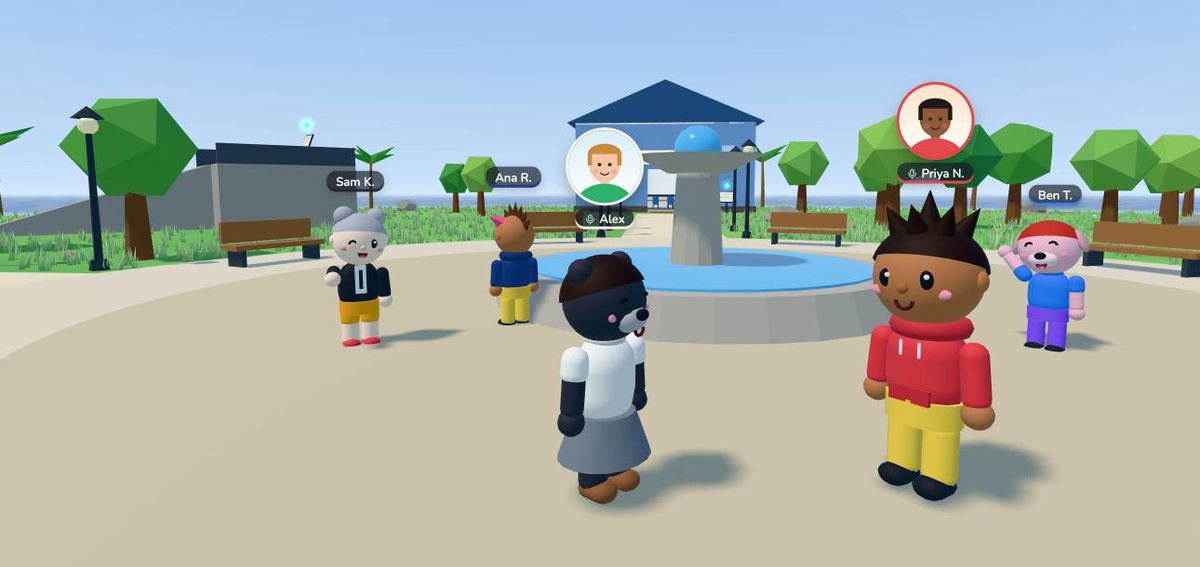
Two colleagues on the plaza with round webcam pictures over their heads

Voice, webcams and screen sharing

Walk up to someone to talk, and turn on your camera to float your face over your character. Share your slides onto the stage or the meeting room screen.

Team · School if your school allows
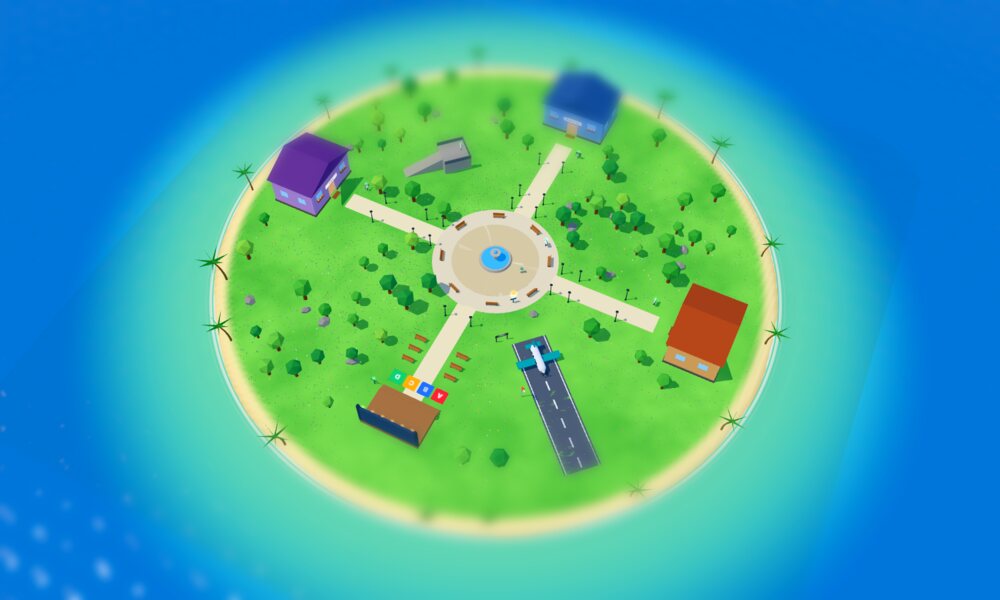
The island seen from high up, like a little model with its plaza, buildings and airstrip

Islands to fly between

Add up to four more islands, each with its own world and look. Walk up to the plane at the airport and fly; from up high the island looks like a little model. Teachers can take the whole class on a field trip.

School and Team
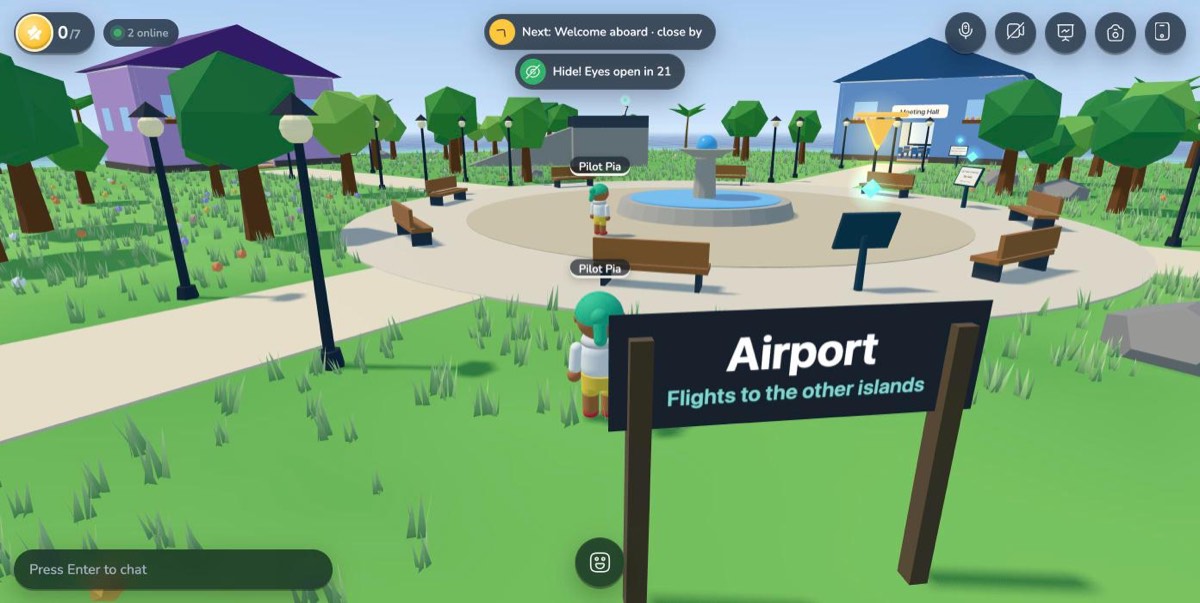
A player hiding behind the airport sign while the seeker waits at the fountain, with a countdown at the top

Hide and seek

Seekers count to thirty with their eyes covered while everyone hides, then go looking. Name tags hide too, and nobody can jump across the island, so you have to walk.

School and Team
Habla Tabla characters waving: a girl with glasses, a bunny, a panda, a boy with curly hair, a girl, a bear and a fox

Characters that cheer you on

A right answer gets a "¡Muy bien!", the quiz show starts with a battle cry, hide and seek has a sneaky host, and the plane says "let's gooo!". A little Spanish on the way, and a mute button up top for quiet.

School and Team
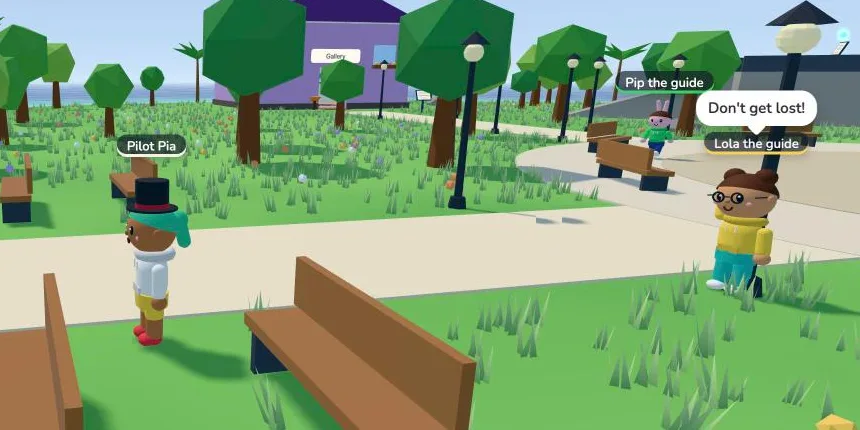
Lola the guide waving and calling "Don't get lost!" to a player on the island, with Pip the guide behind her

Guides who show you around

Nobody arrives to an empty island: Pip, Lola and Max walk their rounds, come over to say hola and tell tips and jokes. Lola gives tours ("Follow me!"), and around Halloween Max sneaks up behind you. BOO!

On the free demo island

And things to discover

  • Slide down slides
  • Crawl into tents
  • Telescopes and microscopes
  • Rockets that launch
  • Balloons that float you
  • Walk-in private rooms
  • Links to any spot
  • Eight characters to dress up
  • Emotes and friendly chat
  • Stars for every lesson
  • A Halloween candy hunt
  • Badges to collect

Make the island yours

Pick a theme and a time of day for your space: snow falls on the snowy island, leaves drift in autumn, sparkles float over candy and bats flit about on Halloween, with jack-o'-lanterns to build. At night the stars come out and the lamps light up. Or move the whole place into an enchanted forest with glowing mushrooms, or a city campus with a skyline.

The plaza on a sunny tropical day The same plaza in autumn at sunset, with orange trees The same plaza covered in snow at night, with lamps lit The same plaza in the candy theme, with pink grass and pastel trees The plaza on Halloween night, with glowing jack-o'-lanterns, orange and purple trees and bats in the sky

Quiz shows you answer with your feet

The question goes up on the big screen and everyone runs to the coloured pad of their answer. When time is up, the right pad lights up and points go to whoever stood on it. Write your own questions or paste a list, then start it by standing on the pads.

Players on coloured answer pads in front of a stage screen showing a quiz question

Write a lesson in a minute. See who learned it.

A title, a few sentences, one question. Pick where on the island the station stands, save, and it appears for everyone who is there right now.

The dashboard shows which station each person answered, and exports a spreadsheet when you need one.

Safe for kids by design

The school edition starts locked down, collects as little as possible and keeps the teacher in charge. Only your school can open things up.

  • No student accountsStudents join with a class code. No emails, no passwords.
  • Generated namesStudents are "Happy Otter" or "Brave Fox", not their real names, unless your school chooses otherwise.
  • Friendly phrasesChat is a menu of kind phrases. Nothing is typed unless your school turns typing on.
  • No voice or videoMicrophones and cameras stay off unless your school turns them on for a class.
  • Teacher controlsPause everyone, call the class over, mute or remove someone, lock the space, and choose who builds and draws.
  • Your data stays yoursNo ads, no selling data. Progress belongs to your school: forget a student or a whole class any time. Photos stay on the device that took them.

Free while we're in pilot

Every space and every feature is free during the pilot. We're working with a small group of teachers and teams, and your feedback shapes what comes next.

Now

Pilot

Free

  • Unlimited spaces
  • Sign in with your email or Google
  • Lessons, your own quizzes, quiz shows and hide and seek
  • Building, whiteboards, photo hunts and extra islands
  • Progress reports and export
Create a free space
Later

Schools and companies

Licences

  • Microsoft and school single sign-on
  • Class rosters and a school-wide dashboard
  • AI lesson writer and custom worlds
  • White-labelling: your own name, logo and colours

Questions

Do we need VR headsets or an app?

No. It runs in a web browser on laptops, Chromebooks, iPads and desktops. Open the link and you're in.

Do students need an account or email?

No. The teacher creates the space; students join with its code and get a generated name.

Can I write my own lessons?

Yes. Edit the starter lessons or add your own in the dashboard: a short text, one question and two to four answers. Changes appear on the island straight away.

How many people can be in one space?

Up to 50 at a time, which covers a class or a big onboarding group.

Is there voice chat or video?

In the team edition, yes: proximity voice, so people talk to whoever is near them, and an optional webcam bubble over your character. The school edition has neither.

Can students build things?

Yes, when the teacher allows it. In a class space only the teacher builds and draws at first; one switch lets everyone. People can only change what they built themselves, and the teacher can clear it all.

Can I try it without an account?

Yes: walk around the school island or the team island. They're public demo islands; make your own space when you want a private link, your own lessons and progress.

What does Habla Tabla mean?

"Habla" is Spanish for "talk". It's a place to talk, play and learn together, and the characters throw in a few Spanish words along the way.

Does it work on iPads and phones?

Yes. On touch screens there's a joystick, a jump button and the same phone, camera and building tools as on a laptop.

Getting the island ready…